Everything You Need to Shop Smarter with Flower City
Flower City Experience
Explore Flower City Shopping, Rewards, App, Kiosk, and eWallet Tools
First, explore products with AI Budtender. Next, order online for pickup or delivery where available. In addition, access the Flower City app, earn and redeem rewards, and finally check out securely with eWallet online or in-store.
Flower City Digital Shopping Experience
Discover
AI Budtender
First, explore Flower City products with guided discovery, helpful education, and smarter product browsing.- Explore flower, vapes, edibles, pre-rolls, concentrates, and more.
- Browse by product type, desired experience, potency, brand, or price.
- Learn common cannabis terms before you shop. AI Budtender does not provide medical advice.
Shop
Online Ordering
Next, browse the live menu, build a cart, and place your order before arriving at Flower City.- Check live product availability before visiting the store.
- Use AI Budtender or filters to find products faster.
- Choose pickup or delivery where available.
Earn
Flower City Rewards
In addition, create an account and earn points on eligible purchases online, in the app, at kiosks, or in-store.- Create a Flower City account online or in the app.
- Shop online, in-app, at a kiosk, or in-store.
- Track your balance and redeem available rewards where permitted.
1,250
Reward progress
App
FCD APP
Meanwhile, open Flower City from your phone, view rewards, receive updates, and access your account quickly.- Browse the live menu and place online orders.
- Reorder favorite products and view rewards or offers.
- Receive app updates, promotions, and account access.

Flower City
Shop · Rewards · Updates
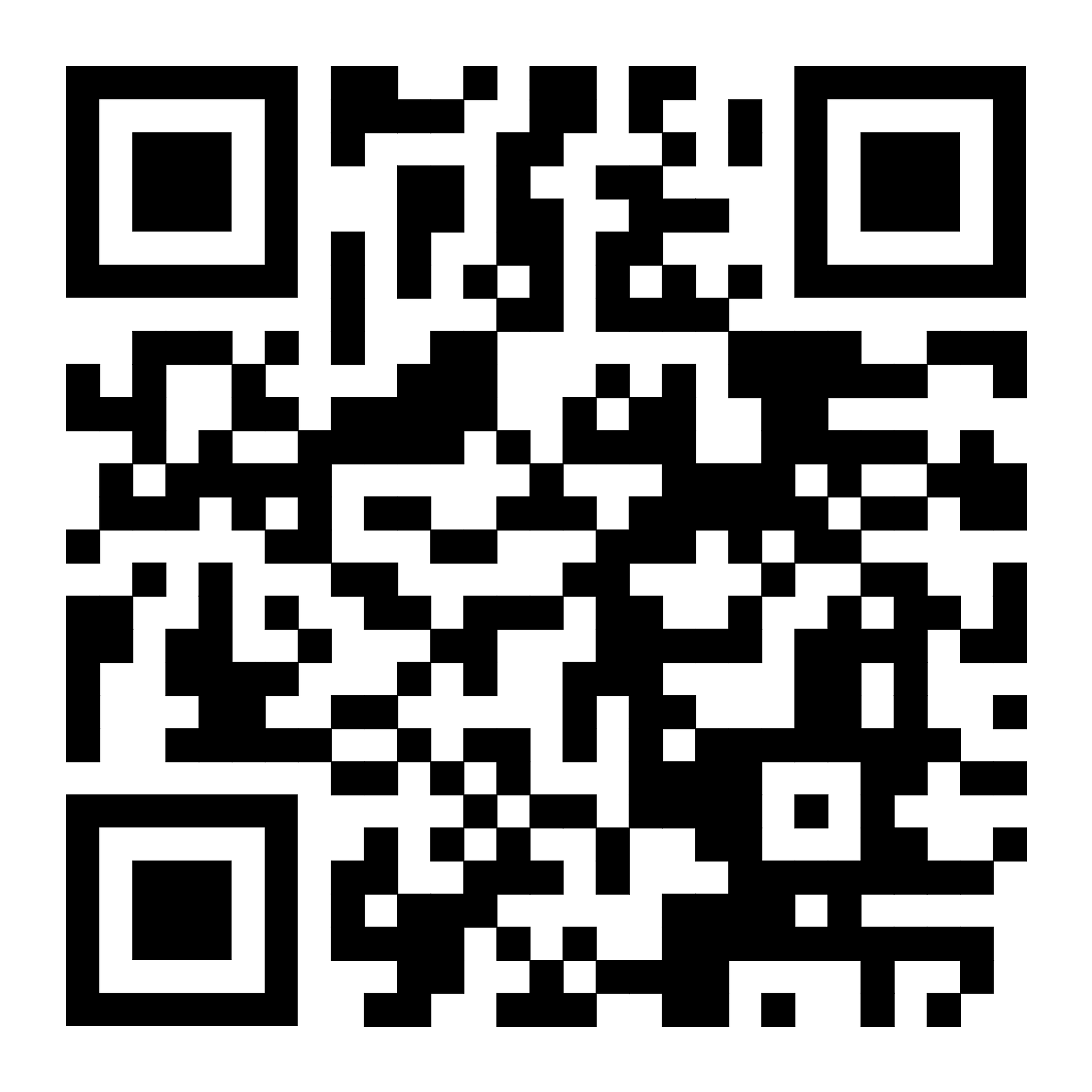 Scan to Access
In Store
Kiosk Ordering
When you arrive, shop at your own pace in-store, browse products, and ask a Flower City team member for support.- Browse the live menu while inside the dispensary.
- Explore product categories and view product details.
- Build your order, access your account, and earn eligible rewards.
Pay
eWallet Checkout
Finally, pay online or in-store where supported and earn double points on eligible eWallet purchases.- Create or log in to your Flower City account.
- Set up eWallet, add funds, and pay at checkout where supported.
- Earn double points on eligible eWallet purchases, subject to program terms.
$84.50
Available balance
Flower City Experience
Frequently Asked Questions
Learn more about AI Budtender, online ordering, Flower City Rewards, the app, kiosks, and eWallet.AI Shopping and Product Discovery
What is AI Budtender?
AI Budtender is Mosaic’s smart shopping assistant that helps you find products based on what you are looking for. Instead of scrolling through the full menu on your own, you can describe your needs, preferences, or goals, and AI Budtender can help guide you toward relevant products.
For example, you might ask for help finding something relaxing, something for daytime use, a popular edible, or a product similar to one you already like. AI Budtender is designed to make shopping easier, especially if you are new to cannabis, exploring new categories, or simply want a faster way to narrow down your options.
AI Budtender does not replace advice from store staff, but it gives you a helpful place to start before you order online, shop in-store, or speak with a team member.
What is the Flower City app?
The Flower City app is the easiest way to shop, earn rewards, access your wallet, and stay connected with Flower City. The app brings key tools together in one place so you can browse products, place orders, track rewards, and use eWallet where available.
Additionally, with the app, you can make shopping more convenient by saving time, keeping your rewards handy, and getting access to Flower City tools from your phone. It is especially useful for customers who shop regularly and want a faster, more personalized experience.
How do I download the Flower City app?
Because there are restrictions in the app stores, you do not need to download it from the Apple App Store or Google Play Store. Instead, you install it directly from the Flower City website or QR Code provided above or in the store onto your phone’s home screen.
Once installed, it becomes a regular app and receive specials via push notifications. You can tap the Flower City icon from your home screen to shop, access Rewards, use AI Budtender, manage your account, and use eWallet where available.
On iPhone
1: Open Safari on your iPhone.
2: Go to the Flower City website or online menu.
3: Tap the Share icon at the bottom of the screen.
4: Scroll down and tap Add to Home Screen.
5: Tap Add.
6: The Flower City app icon will appear on your home screen.
On Android
1: Open Chrome on your Android phone.
2: Go to the Flower City website or online menu.
3: Tap the menu icon with three dots.
4: Tap Add to Home screen or Install app.
5: Confirm by tapping Add or Install.
6: The Flower City app icon will appear on your home screen.
After the app is added, open it from your home screen and sign in or create an account to access Rewards, eWallet, order history, and personalized shopping tools.
Online Ordering, Accounts, Pickup, and Delivery
Do I need an account to shop online?
You may be able to browse the menu without an account, but creating an account gives you the best shopping experience. An account helps you place orders more easily, view past purchases where available, save your information for faster checkout, and participate in Flower City Rewards.
If you want to earn points, redeem rewards, or use wallet features, you will need to create an account and make sure you are signed in when you shop.
Can I browse products before I create an account?
Yes, customers can browse the online menu before creating an account. This lets you explore available products, compare categories, and use tools like AI Budtender before deciding what to order.
Therefore, creating an account is recommended once you are ready to place an order, earn rewards, or save time on future visits.
Can AI Budtender help me choose products?
Yes. AI Budtender can help you narrow down the menu based on your preferences. You can ask about product types, effects, formats, or shopping goals, and it can suggest options that match what you are looking for.
This is helpful if you are not sure where to start, want to compare products, or are shopping for a specific occasion. You should always review product details and ask a Flower City team member if you have questions before purchasing.
Can I order for pickup?
Yes. Flower City allows customers to place orders online for pickup where available. Ordering ahead can save time and make your visit more convenient.
Afterward, you will receive instructions about when and where to pick up your order. Be sure to bring a valid government-issued ID and any required payment method when you arrive.
Does Flower City offer delivery?
Flower City may offer delivery in eligible areas where delivery is available and permitted. Delivery availability can depend on your location, order timing, and store operations.
Next, when shopping online or in the app, enter your address to see whether delivery is available for you. If delivery is not available in your area, pickup may still be an option.
Can I order while I am inside the store?
Yes. You may be able to use your phone or any of our Kiosks machines to browse, build an order, or use Flower City tools while you are inside the store. This can be helpful if you want to compare products, use AI Budtender, check your rewards, or prepare your order before speaking with a team member.
If you need help, the Flower City team can guide you through the app, online menu, rewards account, or wallet setup.
Flower City Rewards and Loyalty Benefits
What is Flower City Rewards?
Flower City Rewards is a loyalty program that lets you earn points and unlock benefits when you shop with Flower City. It is designed to thank customers for choosing Flower City and make future visits even more rewarding.
Members can earn points on eligible purchases and redeem rewards according to the program rules. Rewards may include discounts, special offers, or other loyalty benefits.
How do I join Flower City Rewards?
You can join Flower City Rewards by creating an account online or in the Flower City app. Once your account is set up, make sure you are signed in when you shop so your eligible purchases can be connected to your rewards profile.
As a result, once you are enrolled, your rewards can be easier to track and use through your account or app.
How do I earn points?
You earn points when you make eligible purchases while signed in to your Flower City Rewards account. Points are typically added after a qualifying transaction is completed.
To make sure you receive points, use the same account when you shop online, in the app, or in-store. Some products, discounts, taxes, fees, delivery charges, or promotional purchases may be excluded depending on program rules.
How can I check my points balance?
You can check your points balance by signing in to your Flower City account or opening the Flower City app. Your rewards dashboard should show your available points, eligible rewards, and any offers connected to your account.
If something looks incorrect, a Flower City team member can help review your account.
How do I redeem rewards?
You can redeem available rewards through your Flower City account, app, or with help from a store team member. When you have enough points or an eligible offer, you can apply the reward according to the program rules.
Before completing your order, therefore, review your cart or checkout screen to make sure the reward has been applied. Some rewards may have expiration dates, minimum purchase requirements, or product restrictions.
Can I use rewards on pickup and delivery orders?
Rewards may be available for eligible pickup and delivery orders when you are signed in to your account. Availability can depend on the type of reward, your location, and the order method.
The easiest way to check is to sign in before checkout and review the rewards available for your order.
Do my points or rewards expire?
Points and rewards do not expire on Flower City Rewards. Customers should check their account regularly so they do not miss out on available benefits.
The Flower City app is a helpful way to keep track of your rewards, point balance, and available offers.
eWallet Payments, Enrollment, and Account Security
What is eWallet?
eWallet is a digital payment tool that lets you pay more conveniently through your Flower City account or app where available. Instead of relying only on traditional payment methods, eWallet gives customers a faster, more seamless way to complete eligible purchases.
Consequently, using eWallet can make checkout easier, especially for repeat customers who want a smoother ordering and payment experience.
Why should I use eWallet?
eWallet makes shopping faster, easier, and more convenient. It can help reduce friction at checkout, keep your payment experience connected to your Flower City account, and make repeat visits simpler.
For customers who shop often, eWallet can be one of the easiest ways to streamline the full experience from ordering to earning rewards.
How do I sign up for eWallet?
You can sign up for eWallet directly through the Flower City app or online menu. eWallet is designed to give customers a safe, secure, and compliant way to store funds and use them for purchases at Flower City.
To sign up, open the Flower City app or online menu and sign in or create an account. From there, go to the eWallet, Wallet section and follow the setup steps.
During enrollment, you will be asked to:
1: Scan your driver’s license or valid ID
2: Complete the required account information
3: Verify your details
4: Set up your secure eWallet account
Once your setup is complete, an FDIC-insured bank account through Needham Bank will be created to safely and compliantly store your funds. This account is fully insured by Needham Bank and helps keep your wallet funds secure.
After your eWallet is active, you can add funds using a credit or debit card. Then, when you are ready to shop, you can move funds into your FCD Wallet and use them for eligible purchases at the store.
Using eWallet helps make checkout faster and more convenient. It may also allow you to access special Flower City Rewards benefits, such as bonus or double points when available.
Do I earn double points with eWallet?
Yes, you earn extra rewards, including double points, when customers use eWallet during purchases. To make sure you receive the benefit, use eWallet with the same account connected to your Flower City Rewards profile when making purchases.
Is eWallet safe to use?
eWallet is designed to provide a secure and convenient digital payment experience. Customers should always use their own account, keep login information private, and make sure their app is updated.
If you ever notice an issue with your wallet, payment, or account, contact Flower City support or ask a team member for help.
Can I use the app, rewards, and eWallet together?
Yes. The best experience comes from using the Flower City app, Rewards, and eWallet together. The app helps you shop and manage your account, Rewards helps you earn points and benefits, and eWallet can make payment more convenient.
Ultimately, these tools work together to create a faster, smarter, and more rewarding shopping experience.
Can I share Flower City benefits with friends?
Yes. You can tell friends about Flower City tools like AI Budtender, the app, Rewards, and eWallet so they can enjoy a more convenient shopping experience too. These tools are especially helpful for customers who want guidance, faster ordering, easier payment, or loyalty benefits.
Customer Support and In-Store Shopping Help
What if I need help downloading the app or setting up eWallet?
Flower City team members can help you download the app, create an account, join Rewards, or set up eWallet. You can ask for help in-store or contact support if you need assistance before your visit.
The team can walk you through the process so you can start shopping, earning points, and using wallet features with confidence.
What should I bring when picking up an order or shopping in-store?
Always bring a valid government-issued ID and any required payment method. Your ID may be checked when you enter the store, pick up an order, receive a delivery, or complete a purchase.
Having your Flower City account or app ready can also help you access rewards, order details, and wallet features faster.
What if my points, reward, or eWallet payment does not appear correctly?
If something does not look right, contact Flower City support or ask a team member for help. They can help review your account, confirm whether a purchase was eligible, and troubleshoot app, rewards, or wallet issues.
Finally, to make support easier, have your account information, order details, and receipt available when possible.
Ready to shop smarter with Flower City?
Use Flower City’s digital tools to discover products, order ahead for pickup or delivery where available, earn rewards, shop from the app or in-store kiosks, and pay seamlessly with eWallet.